

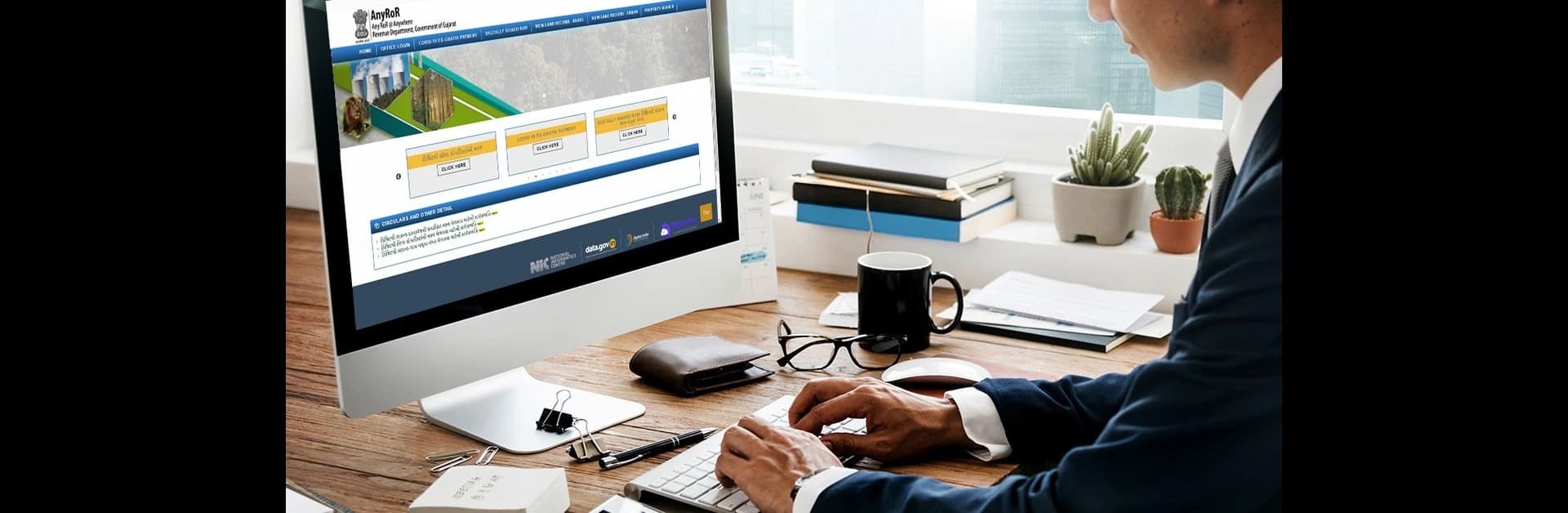
Gujarat Bhulekh: How to Use AnyROR & e-Dhara Portals
Contents
- What is AnyROR Gujarat?
- What is the e-Dhara Portal?
- Step-by-Step Guide to Using the AnyROR Portal
- Benefits of Using AnyROR and e-Dhara
- The Final Word
- Frequently Asked Questions
- What is the difference between AnyROR and e-Dhara in Gujarat?
- Can I download my land ownership details online from the AnyROR portal?
- How can I update or correct land records through the e-Dhara centre?
- Is it mandatory to visit the Taluka office for land mutation, or can it be done online?
Land records are not just documents; they are proof of ownership, legal entitlement, and your rightful claim over property. In a country like India, where land disputes are common, having accurate and accessible records is essential. Whether you're buying a piece of land, transferring ownership, or applying for a loan, land documents play a critical role. Traditionally, accessing these records meant standing in long queues at the taluka office. But now, thanks to digitisation initiatives, states like Gujarat have made land records available online through platforms such as Gujarat’s AnyROR State Portal and the e-Dhara Portal.
What is AnyROR Gujarat?
AnyROR, which stands for Any Record of Rights, is the official Gujarat Bhulekh online portal launched by the Government of Gujarat. It is designed to provide digital access to crucial land records. The portal allows citizens to view ownership details, crop details, land types, and various other information without visiting a government office.
You can access the AnyROR Gujarat State Portal via https://anyror.gujarat.gov.in.
This service is useful for farmers, buyers, landowners, and legal professionals who need reliable land information at their fingertips.
What is the e-Dhara Portal?
The https://e-dhara.gujarat.gov.in/ is a land management system that works in tandem with the AnyROR portal but focuses more on backend administration like mutation entries, record updates, and integration with Taluka-level revenue offices. While AnyROR allows you to view land records, e-Dhara helps with the modification and certification of those records.
Each taluka in Gujarat has an e-Dhara Kendra where the Revenue Department updates land records electronically. Through the e-Dhara system, you can:
● Apply for a Record of Rights (RoR) certificate
● Get mutation entries done after a property transaction
● Ensure records are updated in real-time with e-signatures from officials
The combination of Bhulekh, Gujarat, and the e-Dhara system ensures that Gujarat remains a frontrunner in land record digitisation in India.
Read Out: How to Access Land Records in Gujarat through Bhulekh and e-Dhara Online
Step-by-Step Guide to Using the AnyROR Portal
Navigating the AnyROR Gujarat State Portal is simple. Here’s how you can check your land details online:
1. Visit the official portal: Go to https://anyror.gujarat.gov.in
2. Select ‘View Land Record’: Choose whether your land is in a rural or urban area.
3. Choose the record type: Select from VF-6, VF-7, VF-8A, or 135D based on what you need.
4. Enter the required details:
○ District
○ Taluka
○ Village
○ Survey/Block Number or Khata Number
5. Submit the form: Click on ‘Get Record Detail’.
6. View and download: The record appears on screen, and you can print or download it for reference.
Using Gujarat’s online Bhulekh portal method saves time and helps avoid middlemen, making it safer and more convenient for landowners.
Benefits of Using AnyROR and e-Dhara
The shift from paper to digital has brought many advantages for landowners and stakeholders in Gujarat:
● Transparency: No more tampering or manipulation of records. What you see online is exactly what is in the official government system.
● Convenience: You can access your land information from anywhere, even from a mobile device.
● Faster Transactions: Whether it is buying, selling, or leasing land, having access to verified records speeds up legal and financial formalities.
● Legal Clarity: With verified digital records from Bhulekh.gov.in, Gujarat, property disputes can be resolved quickly.
● Environmental Impact: Less paperwork means fewer trees cut down for physical files.
With tools like AnyROR and the e-Dhara Portal of Gujarat, the dream of accessible and efficient governance is becoming a reality, at least in the domain of land management.
The Final Word
Whether you're a farmer checking crop entries, a buyer verifying property details, or someone looking to update land ownership after inheritance or sale, Bhulekh Gujarat Online tools are here to help. So, make the most of these resources and keep your land records up-to-date and accessible. Because when it comes to land, clarity is everything.