


How to Pay GHMC Property Tax Online in Hyderabad: A Step-by-Step Guide
Learn how to pay GHMC property tax online in Hyderabad with this simple step-by-step guide. Understand the process using your PTIN, explore multiple payment options, and check dues easily via the GHMC gov in property tax portal. Stay on top of your payments and avoid late fees with timely, secure transactions.
Contents
- Steps to GHMC Property Tax Pay Online
- 1. Visit the Official GHMC Website
- 2. Click on Property Tax Payment
- 3. Enter Property Details
- 4. Verify the Tax Amount
- 5. Choose Payment Method
- 6. Complete the Payment
- 7. Download Payment Receipt
- Benefits of Paying GHMC Property Tax Online
- How to Check GHMC Property Tax Dues
- The Final Word
Paying GHMC property tax is a responsibility for every property owner in Hyderabad. The Greater Hyderabad Municipal Corporation (GHMC) provides an easy online payment system that helps taxpayers save time. Instead of visiting the GHMC office, residents can pay their taxes through the official website. Understanding how to pay house tax in Telangana and complete the process without errors ensures timely payments and avoids penalties. Here is a simple guide to help you pay GHMC property tax online hassle-free while managing your property tax Hyderabad obligations efficiently.
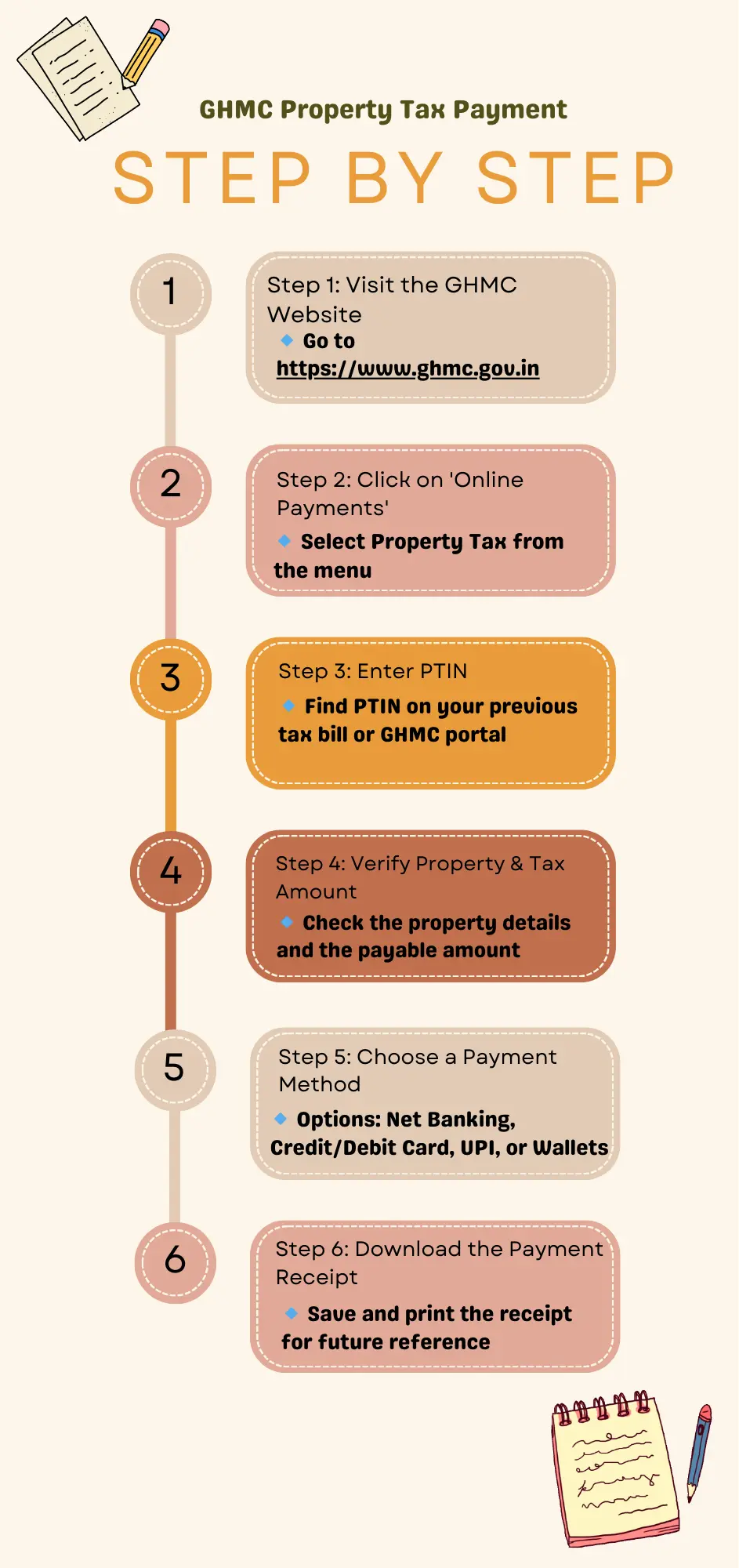
Steps to GHMC Property Tax Pay Online
1. Visit the Official GHMC Website
Go to the GHMC property tax portal at https://www.ghmc.gov.in. This is the official site where residents can pay their GHMC property tax Hyderabad securely and also check ghmc property tax dues online.
2. Click on Property Tax Payment
On the homepage, find the “Online Payments” section. Click on the “Property Tax” option to proceed to the tax payment page.
3. Enter Property Details
To retrieve tax details, enter the Property Tax Identification Number (PTIN). If you do not know your PTIN, use the search feature on the website to find it by entering relevant property details. The portal also allows ghmc property tax search by mobile number or even ghmc property tax search by house number, for convenience.
4. Verify the Tax Amount
After entering the PTIN, the system displays the outstanding GHMC property tax amount. Check the details carefully before proceeding with payment.
5. Choose Payment Method
Select a payment method from the available options, which include net banking, credit/debit cards, UPI, and mobile wallets. Click on “Proceed to Pay.”
6. Complete the Payment
After selecting the preferred payment option, complete the transaction securely. Ensure that the payment is successful, and do not close the browser window until you receive confirmation.
7. Download Payment Receipt
Once the payment is successful, download and save the receipt for future reference. GHMC also sends an email or SMS confirmation.
Benefits of Paying GHMC Property Tax Online
- Saves time and avoids standing in queues at the GHMC office.
- Provides secure transactions through the GHMC gov in property tax portal.
- Ensures timely payments, reducing the risk of penalties.
- Allows easy access to payment history and receipts for records.
How to Check GHMC Property Tax Dues
To check pending dues, visit the GHMC website, enter the PTIN, and view outstanding amounts. Regularly checking dues helps avoid late fees.
The Final Word
Paying GHMC property tax Hyderabad online is quick and efficient. The government’s digital platform allows property owners to complete the process from anywhere. By following these steps, you can ensure that your tax payments are up-to-date. Save your payment receipts for future use and always check the official GHMC gov in property tax portal for the latest updates.