

How to Use bhulekh.mahabhumi.gov.in for Land Records in Odisha
Contents
- Steps to Access Land Records on bhulekh.mahabhumi.gov.in
- Visit the Official Website
- Select Your District, Tehsil, and Village
- Enter the Required Information
- Click on ‘View Land Record’
- Download or Print the Land Record
- Services Available on bhulekh.mahabhumi.gov.in
- Benefits of Using bhulekh.mahabhumi
- How to Check Mutation Status on bhulekh.mahabhumi.gov.in
- Log in to the Portal
- Enter Land Details
- View Status
- The Final Word
The Odisha Bhulekh portal is an online platform that provides instant access to land records in Odisha. It simplifies property verification, ownership details, and transaction history for landowners and buyers. With this service, citizens can avoid the hassle of visiting government offices and retrieve essential land data conveniently. Whether checking plot details or downloading land records, the portal makes land-related processes efficient and transparent.
Steps to Access Land Records on bhulekh.mahabhumi.gov.in
To retrieve Odisha land record online data using the official portal, follow these steps:
Visit the Official Website
- Open the bhulekh mahabhumi portal in your browser.
Select Your District, Tehsil, and Village
- Choose the respective location details from the dropdown menu.
Enter the Required Information
- Provide the plot number, Khata number, or owner’s name.
Click on ‘View Land Record’
- The system retrieves the Odisha revenue land records associated with the entered information.
Download or Print the Land Record
- Save or print the document for future reference.
Services Available on bhulekh.mahabhumi.gov.in
The bhulekh mahabhumi portal provides multiple services, including:
- Land Record Search: View and verify ownership details.
- Mutation Status: Check updates on property transfers.
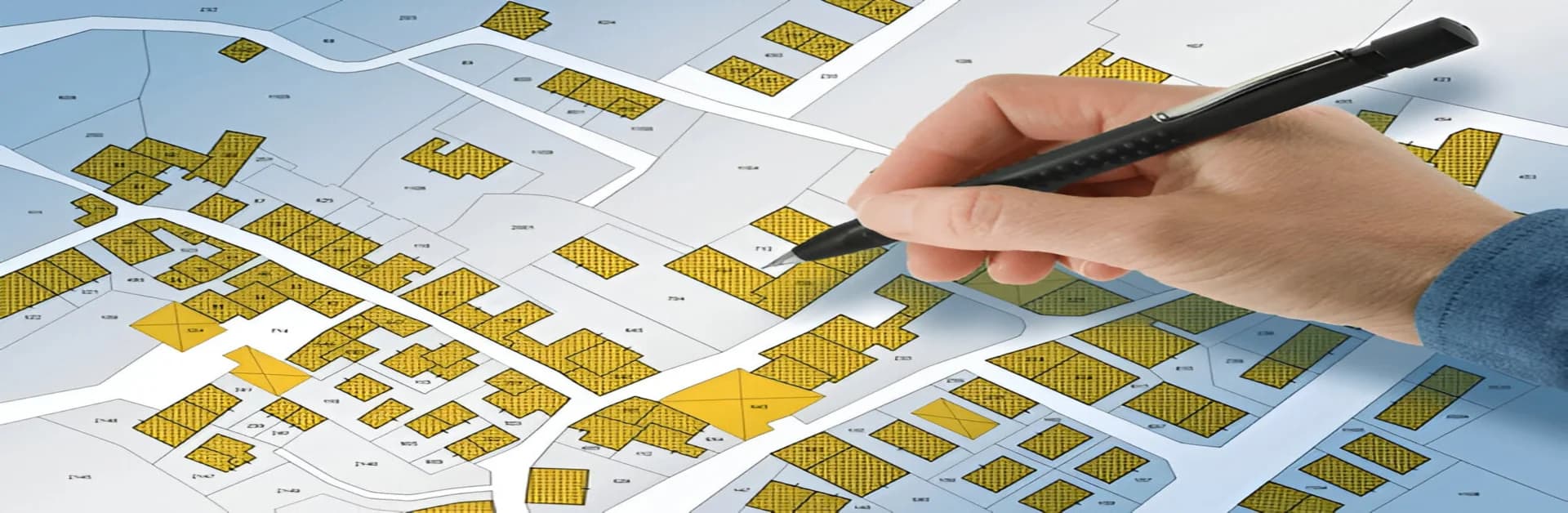
- Plot Map: Access digitised cadastral maps via the Bhulekh naksha Odisha service.
- Encumbrance Certificate: Ensure there are no legal disputes on the land.
Benefits of Using bhulekh.mahabhumi
- Time-Saving: Access land records online without visiting government offices.
- Transparency: Eliminates fraudulent transactions with authentic property details.
- Easy Verification: Helps buyers and investors verify land ownership before purchase.
- User-Friendly Interface: Simple navigation makes it accessible to all users.
How to Check Mutation Status on bhulekh.mahabhumi.gov.in
Log in to the Portal
- Enter the website and navigate to ‘Mutation Status.’
Enter Land Details
- Provide plot or Khata number.
View Status
- Check if the ownership transfer request is processed or pending.
The Final Word
The official portal is a valuable tool for landowners, buyers, and legal professionals in the state. Whether checking property details or verifying ownership, it offers a seamless experience. Understanding how to use the platform ensures quick access to land records and prevents legal complications. Using this digital service makes land transactions more secure and efficient for everyone involved in NRI property investment or local land dealings.